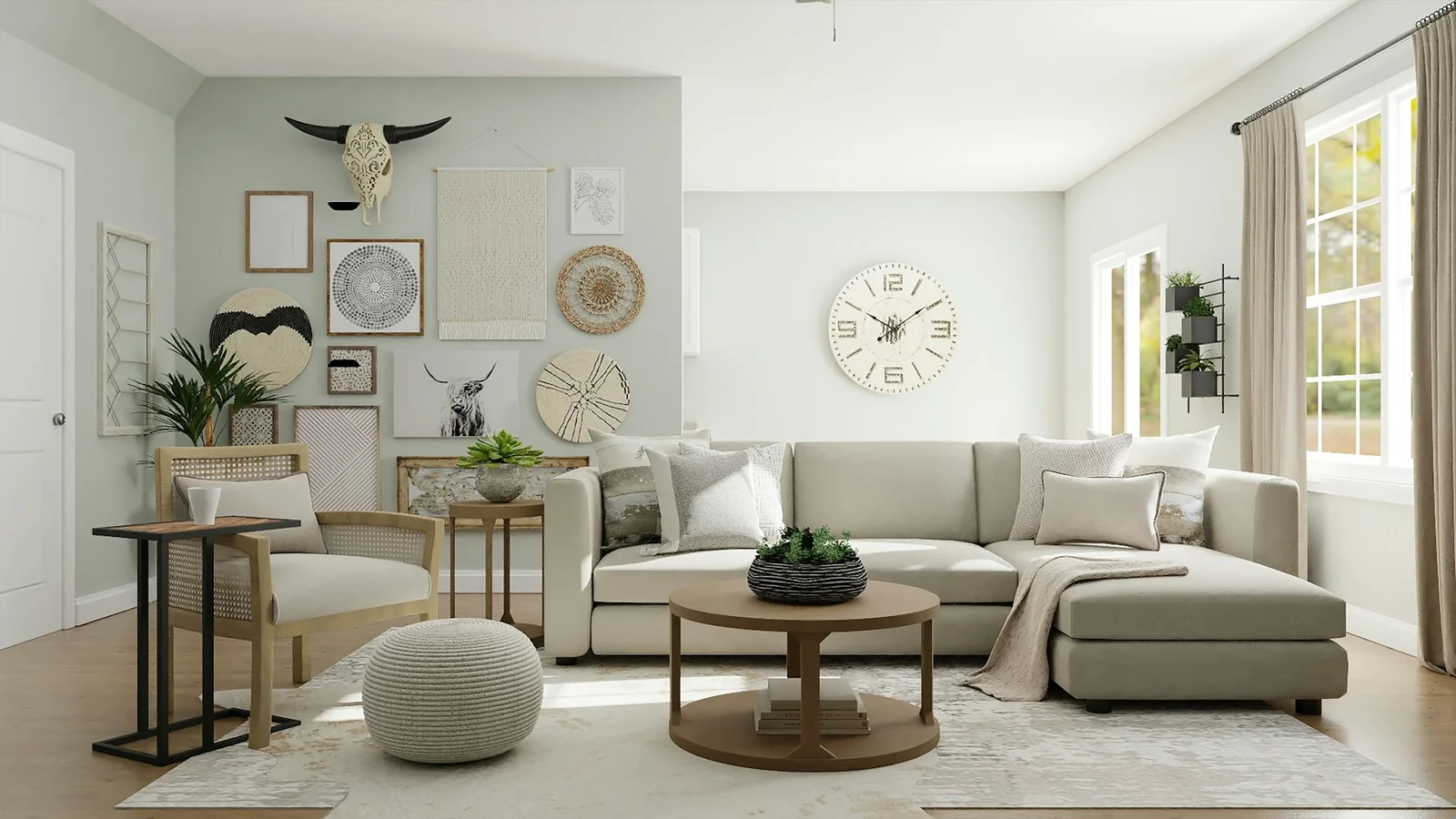
A room for good work
Some workdays begin before you have made a proper cup of tea. You sit at the nearest available surface, clear a corner for the laptop, and promise yourself that you will sort out the rest later. A few months pass. The chair is in the wrong place, the charger has acquired a permanent home on the floor, and the room feels more like a reminder of unfinished jobs than a place to do good work.
A useful workspace does not need a spare room, a matching desk set, or a long list of purchases. It does need to make a few common actions easier. You should be able to sit down, find what you need, focus for a while, and close the day without leaving everything out. Start by looking closely at the way you already work; the room should respond to that, not to an idealised picture of somebody else’s studio.
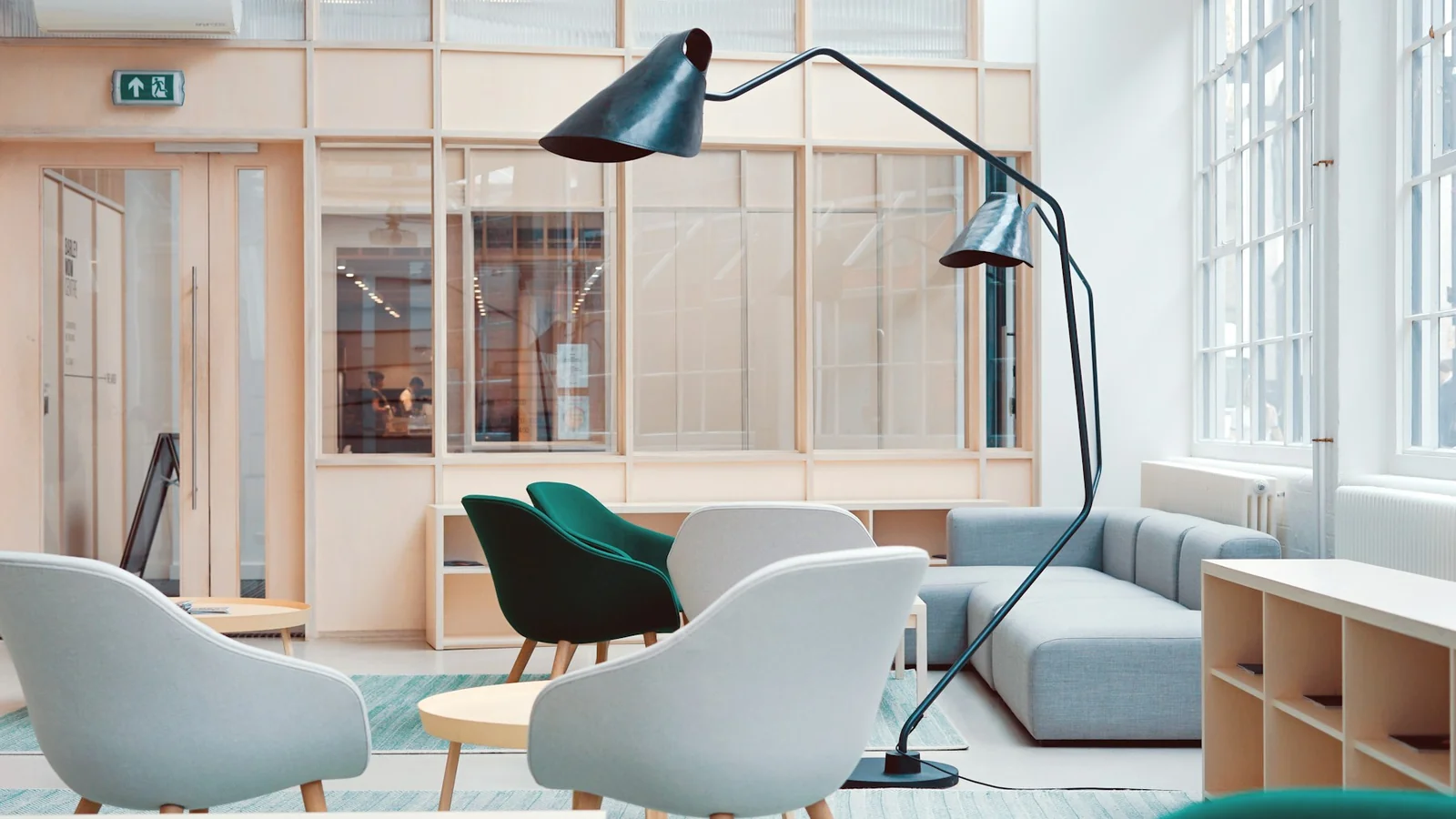
Pay attention to a real working day
Before moving furniture, notice what already happens between the first cup of coffee and the last message. Write down the moments that unsettle you. Maybe you reach behind the monitor for the socket several times an afternoon. Maybe a shared dining table is the only wide surface in the flat, so breakfast and work compete for the same space. Maybe the real obstacle is not furniture at all but frequent noise, glare on the screen or nowhere comfortable to take a short break.
Spend a working day observing these small interruptions. You can make a note on your phone or simply pause whenever you stand up. Ask what made you move: did you need a different document, more light, a quieter room, a glass of water, or a place to put the laptop when a meeting started? A short list based on a normal Tuesday tells you more than an hour spent browsing tidy home-office photographs.
Separate problems you can solve with layout from those that need a different routine. Moving the desk might fix glare. A tray may give a shared table a reliable way to gather papers before supper. A pair of headphones could make a quiet hour possible without changing where anyone lives. Write down the cost, effort and effect of each possible change. Start with the adjustment that prevents the most repeated friction, not the purchase that makes the most attractive before-and-after picture.
This first inventory also helps you avoid buying a solution twice. If the desk looks crowded because you keep project notes visible, a drawer organiser might make the surface easier to clear but make the work itself harder. If you rarely use printed papers, dedicated filing furniture solves a problem you do not have. Treat the space as a working tool rather than a display: each object should support something you do, make something you use easier to find, or give the room a sense of calm you actually value.
Choose the place around its constraints
List the places where you could work, including ones that seem less obvious than the corner where you currently sit. A dining table, the end of a landing, a bedroom wall or a nook in the sitting room can all work for some schedules. For each place, notice daylight, draughts, noise, sockets, walking routes and the amount of surface you can keep clear. These are not abstract design questions. A chair positioned where the sun falls directly on your screen may look lovely at nine in the morning and be difficult at two.
Think about movement through the room before deciding where furniture belongs. A desk across a narrow passage interrupts both the person working and everyone passing through. A seat squeezed up against storage doors makes something simple feel like a small daily negotiation. Measure the width of the available route and check whether drawers and cupboard doors can open. Leave yourself enough room to sit down and stand up without having to rearrange half the room first.
If your home has several people or several work patterns, treat the work location as a schedule as well as a floor plan. An occasional laptop session may not justify a permanent desk. A shared office used on different days might benefit more from a clear place to store each person’s cables and notebook than from a second monitor. Write down who uses the space, when they need quiet and what must move when the workday ends. Small shared agreements prevent the room from becoming a battleground for a limited surface.
Use the window with care. Natural light can make a room feel more welcoming, but reflections on a screen and direct sun across your face can distract you. Rotate the table or test another seat before adding a curtain or lamp. If the best working position has its back to the window, a task light may be more useful than rearranging the entire room. Choose the position that feels comfortable throughout your usual hours, not only during a bright morning.
Give the surface one clear job
A desk works best when its everyday purpose is obvious. Decide what needs to stay within reach when you are focused: perhaps a screen, a notebook, a lamp, water and one pen. Give everything else a home nearby rather than on the surface itself. A small pot for stationery or an open shelf can make commonly used objects easier to reach without covering the part of the desk where the work happens.
Resist organising the desk before you know what you keep using. Spend several days putting used objects in one simple tray or box. At the end of the week, sort them by how often you reached for them. The daily tools can stay within reach. The occasional tools can go into a drawer or nearby cupboard. Items you never touched do not need to occupy prime space just because you once imagined you would become the sort of person who uses them.
Cable management is most useful when it makes routine actions easier. Notice which devices you charge and where. A power strip fixed under a desk might reduce the tangle underfoot, while a cable that unclips quickly makes a laptop easier to take away at the end of the day. Before buying a system, confirm the number of sockets, the length of cables, how the wall sockets are positioned and whether anything needs to travel with you. Keep access to plugs clear; a tidy-looking cable route is not helpful if it is difficult to unplug a device safely.
Think about storage as a set of small habits rather than a row of boxes. Where do incoming letters land? Where do you put the headphones after a call? What happens to a notebook once you have finished with it? A tray near the place you naturally use may solve these habits more effectively than a new cabinet on the opposite side of the room. Make resetting the desk a simple action that takes one or two minutes; this lowers the barrier to starting the next morning and gives a shared room back its non-work identity.
Get comfortable before buying the perfect chair
Comfort is not a single specification. It comes from the way your feet meet the floor, where your screen sits, how your seat fits and whether you can change position throughout the day. Start by adjusting the chair you already use, if it allows. Your lower back should feel supported without forcing you into a rigid pose. If your feet dangle, a stable footrest or a stack of solid books can help during a short trial. Use household objects to test approximate screen height before spending money on a stand.
Consider the time you actually spend at the desk. A comfortable chair may be a worthwhile investment when it supports several hours of daily work. Someone who checks email for half an hour at the dining table may benefit more from choosing a seat already used for relaxed meals than buying a specialised office chair that has no practical place to stay. Check product dimensions carefully, then compare them with the width of the desk, the available clearance underneath and the paths through your room.
Break up long stretches of sitting with ordinary changes of position. Stand when taking a call, walk to refill water, or move a task to a different seat if your day allows. A workspace should support your actual body and routine; it should not try to cure every discomfort with accessories. If pain, numbness or persistent discomfort affects your work, seek suitable professional guidance rather than relying on general design advice or online product descriptions.
Look for control and adjustability before surface styling. A monitor that can tilt and be set to a useful height is often more flexible than a beautiful but fixed arrangement. A laptop stand makes the screen higher, but you might then want a separate keyboard if you are typing for long periods. Try the sequence in your real workspace with the devices you use most. A stand that blocks the desk lamp, sends a cable over a walkway or prevents you closing the laptop at the end of a session is not a complete solution.
Make the light do more than one job
Daylight changes over the course of a British working day, particularly in winter, when mornings start dark and daylight can fade well before the work is done. Notice how the same seat feels at different hours. A small task light can make reading and writing more comfortable without illuminating the whole room. Choose an adjustable position so the light reaches your notebook without creating glare on the screen or shining into someone else’s eyes.
Layer the existing light where possible. An overhead light may illuminate the room well enough to move around but still feel harsh at a desk. A task light adds more directed illumination; a window or softer room light can reduce the contrast between a bright monitor and a dark wall. Move the lamp around before choosing a bulb or a new fitting. The right amount of light varies with the task and the room, so there is no single temperature or brightness setting that suits every person.
Think about reflections before placing glossy objects near a screen. Glass, metallic accessories and bright windows can all create distractions. A matte surface behind the monitor may help, and turning the screen a few degrees can sometimes solve a problem that otherwise looks like a reason to change the window covering. Take a look from the seated position, because reflections and visual clutter tend to change once you are actually working rather than standing in the middle of the room.
Avoid treating plants or decorative lamps as necessities. A little greenery can soften a spare corner if you enjoy looking after it. A good existing light may already make the room feel pleasant. Add objects because they help you or because you like living with them, not because a photograph suggests a desk is incomplete without a carefully arranged collection around it. A workspace is allowed to be personal, plain and slightly different from a design trend.
Protect the edges of your workday
Working at home blurs the line between work and the place where you rest. Decide what a gentle end-of-day reset looks like: close the notebook, unplug the devices you do not need overnight, remove a laptop from a shared table or put the office chair back in its usual place. A reset does not need to be a strict ritual. Its purpose is to let the room return to the other things it is used for.
If you have a fixed desk, choose a storage method for unfinished tasks instead of leaving them spread across the surface. A closed notebook, paper folder or tray gives open work a boundary without making it disappear. If you work in a shared room, a compact box can collect portable equipment and move everything together when another person needs the table. Check that the storage can be carried safely and fits the space you have; a storage unit that becomes a permanent obstacle creates a fresh problem.
Protect your attention in ways that make sense for your work. Silence notifications that can wait, place a personal phone outside your most focused reach, or close the browser tabs that are not useful for the task at hand. If you share the household, agree on an easy signal for meetings or quiet stretches. These changes cost nothing and may improve a work session more than a new lamp or desk chair. They also make it clearer which needs call for a dedicated working room and which can be met with a few simple agreements.
A good end-of-day boundary makes the next beginning easier. Keep tomorrow’s first task in an accessible place, but leave the room settled enough that it still feels like part of your home. The aim is not to pretend that work does not follow you through the door. It is to choose a small, repeatable way to put it down for a while.
Add colour and character on your own terms
Colour and objects can help a workspace feel like your own, although the right degree of character varies from person to person. Someone may feel more focused in a quiet, neutral corner; someone else may enjoy a print, a meaningful photograph or a vivid notebook in view. Try changing one element at a time. A fabric noticeboard, a favourite book or a shade of paint on a small wall can bring the room together without turning a useful corner into a costly decorating project.
Use what you already have before buying coordinated accessories. A sound mug can hold the pens you reach for. A portable lamp from another room can help you test a position. A piece of art might be moved from a hallway where few people notice it to the place you work. Rearranging existing items helps you learn what you value and reveals the missing things more accurately than shopping from a list of ideal accessories.
If you do bring something new into the room, consider care and longevity alongside the appearance. A chair that is difficult to repair or a storage item made for a space much larger than yours can become frustrating after the novelty fades. Measurements, cleaning instructions, return terms and the materials used are all worth checking, especially when comparing prices. You do not need to rush a decision just because a promotion has an end date; the right object should still make sense when the countdown disappears.
Give the room room to evolve. You might change projects, schedules or living arrangements in six months. Flexible furniture and open storage can accommodate those changes. A desk is a work surface, but it may also become a place to plan a trip, write a card or sketch an idea. Keeping a little space uncommitted makes a compact home more useful and lets one corner serve a few purposes without looking like a miniature office at every hour.
A simple first-week plan
Keep the first pass practical. On the first day, record the repeated frustrations you notice. The next day, select the work spot with the least troublesome mix of light, noise and movement through the room. Later in the week, change one position or routine: move the chair, try a new screen angle, bring the lamp closer, or test a tray for the objects that migrate across the desk. At the end of the week, note what improved and what remains frustrating.
Make only the purchase that clearly solves an observed problem and fits the available space. Before ordering, confirm dimensions, setup requirements, delivery arrangements and returns. If the item can be tried in person, check whether the texture, weight and adjustment feel right. If you are shopping remotely, see whether the seller explains the product clearly enough to compare it with alternatives. Avoid treating a discount as proof that something is needed or well suited to your setup.
An effective workspace does not need to impress visitors from the other side of the room. It should make it a little easier for you to begin, continue and finish the kind of work you actually do. Pay attention to natural routines, be honest about the limitations of your home and make small changes you are willing to maintain. The result can be modest: fewer cables under your feet, a lamp in the right place and a table that is ready for supper when the laptop closes. Sometimes that is exactly what a good place to work needs to be.